Olivia Moore avatar

Olivia Moore

@omooretweets

8/17/2025, 3:52:34 PM

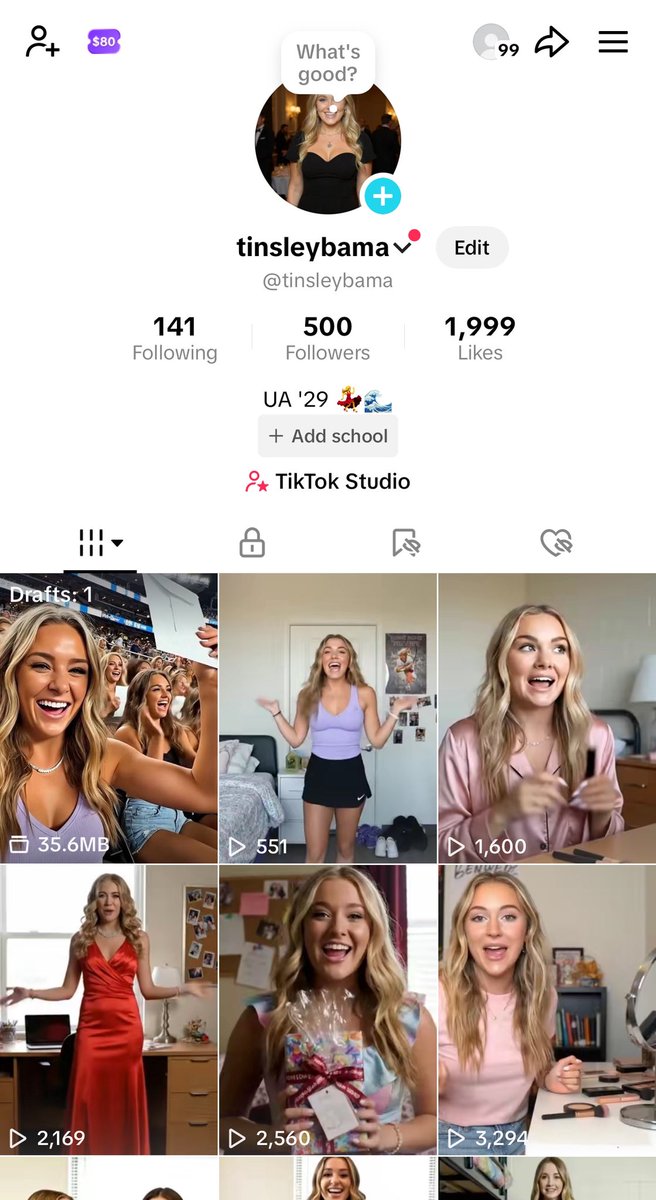
Over the last week, I grew a 100% AI influencer to 500 followers (and a viral video)

…and it took <10 minutes / day, and only three tools!

This may be the future of brands, marketing, and even entertainment. 

How I did it + what I learned 👇 https://t.co/0p4cTz39rQ
tweet media
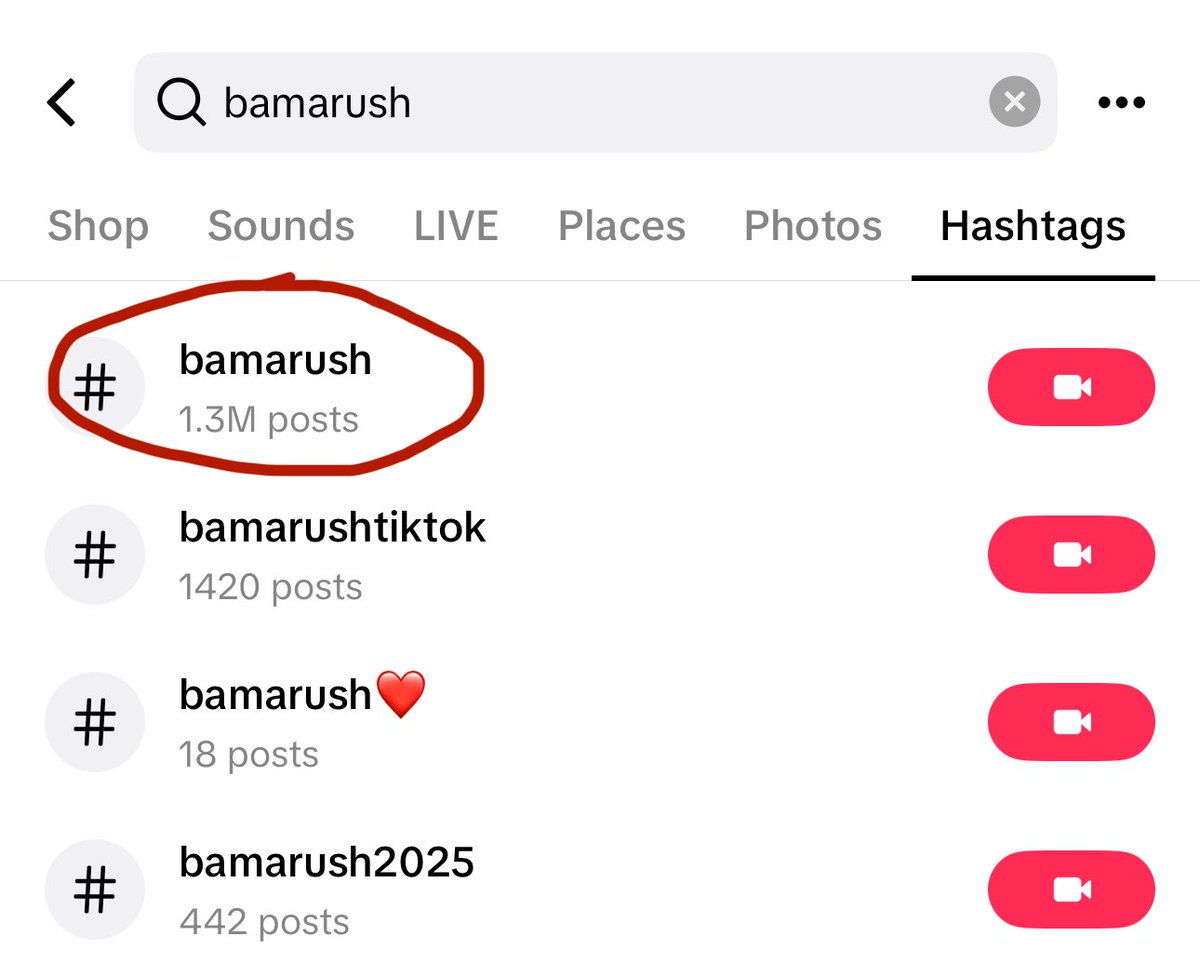
First - the best way to “bootstrap” a new account is on the back of a trend with a lot of search volume. 

I chose the University of Alabama’s sorority rush week - hundreds of girls post OOTD (outfit of the day) videos.

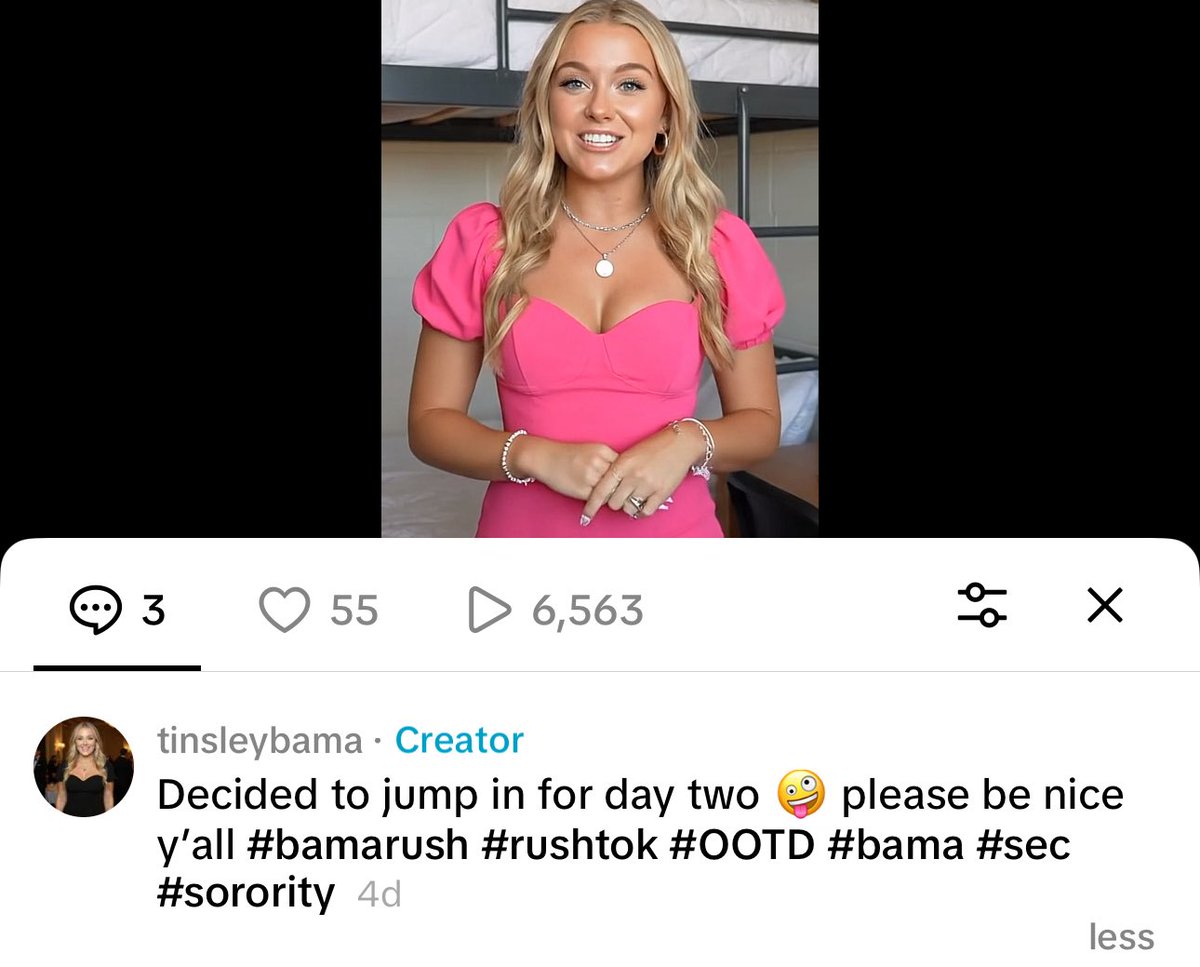
I used those hashtags for early traction (first video ⬇️) https://t.co/OVTgBYM0g8
tweet mediatweet media
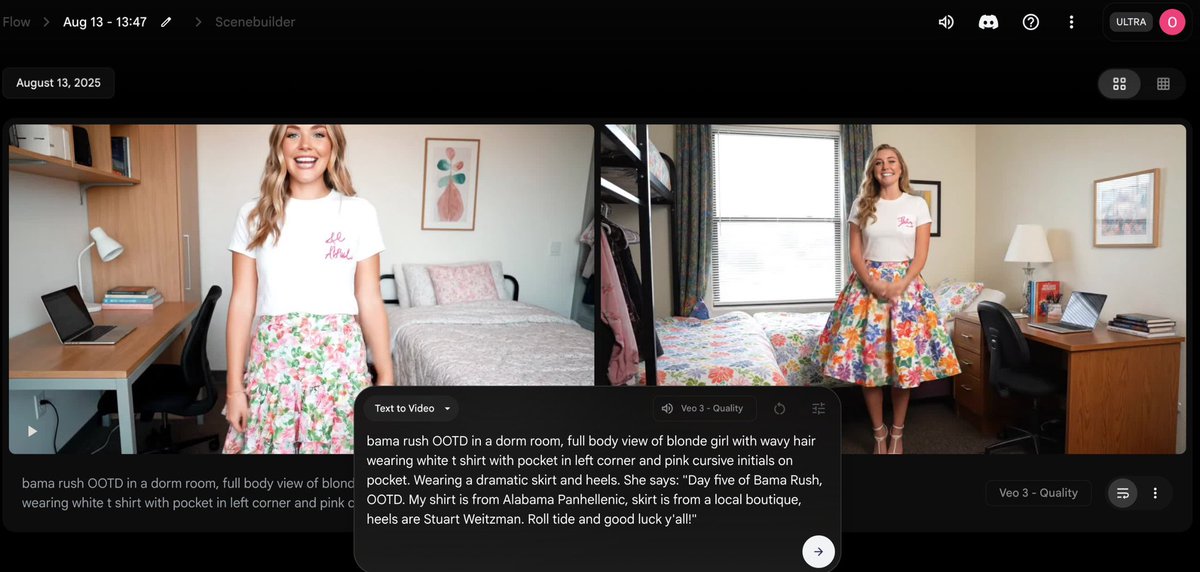
The primary tool I used was Veo 3. 

There are tradeoffs here - it’s incredibly easy to generate, but the voice and face quality do have a bit of an “AI feel.” 

Luckily, my audience was largely unaware (at least for the first few videos!) https://t.co/E1QDxBrPuy
tweet media
Veo 3 is expensive, so I used ChatGPT to help me generate prompts - especially for the script. 

On Veo 3, you can tell the “character” exactly what to say…

ChatGPT can help you nail something that sounds realistic based on the age, gender, etc of your influencer. https://t.co/crtqINToKz
tweet media
What about consistency across videos? (Or even in videos longer than eight seconds) 

Once I got a good Veo gen, I used Flux Kontext on @krea_ai to generate the same character in a new outfit or setting. 

Then, I uploaded it to Veo Frames -> Video as the starting image. https://t.co/iMsWmFgaCQ
The hardest part? Voice consistency! 

Veo generates the voice with no input allowed (beyond the prompt), so I had to carefully prompt the voice every time…and it still wasn’t great. 

Looking forward to @elevenlabsio integrations here 👀 https://t.co/OgC9kQQvCe
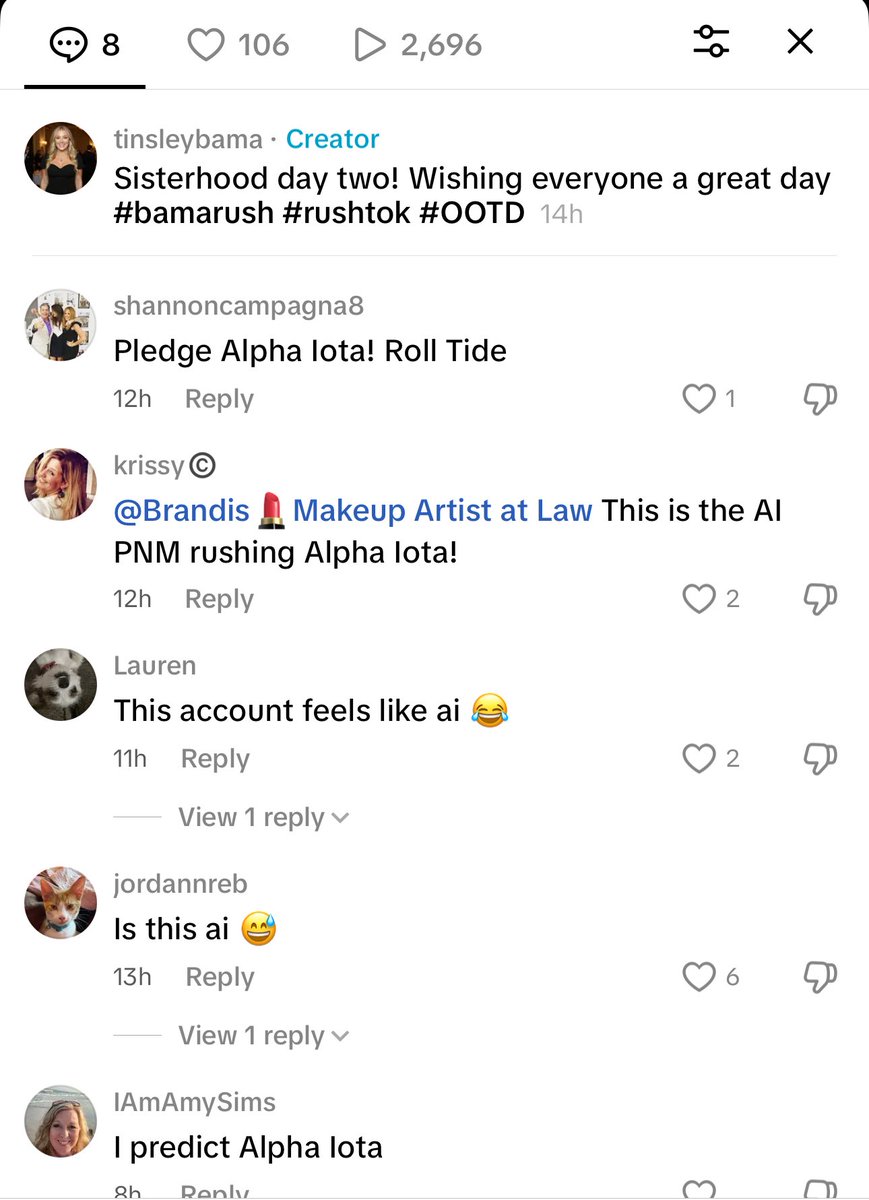
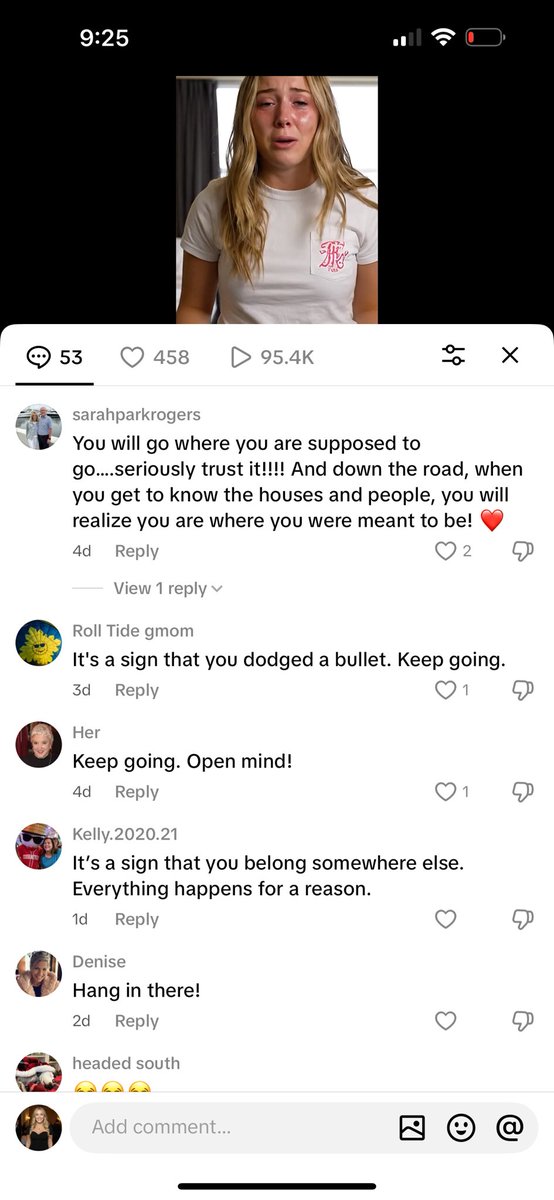
The most surprising thing about this whole experiment was the viewer reaction. 

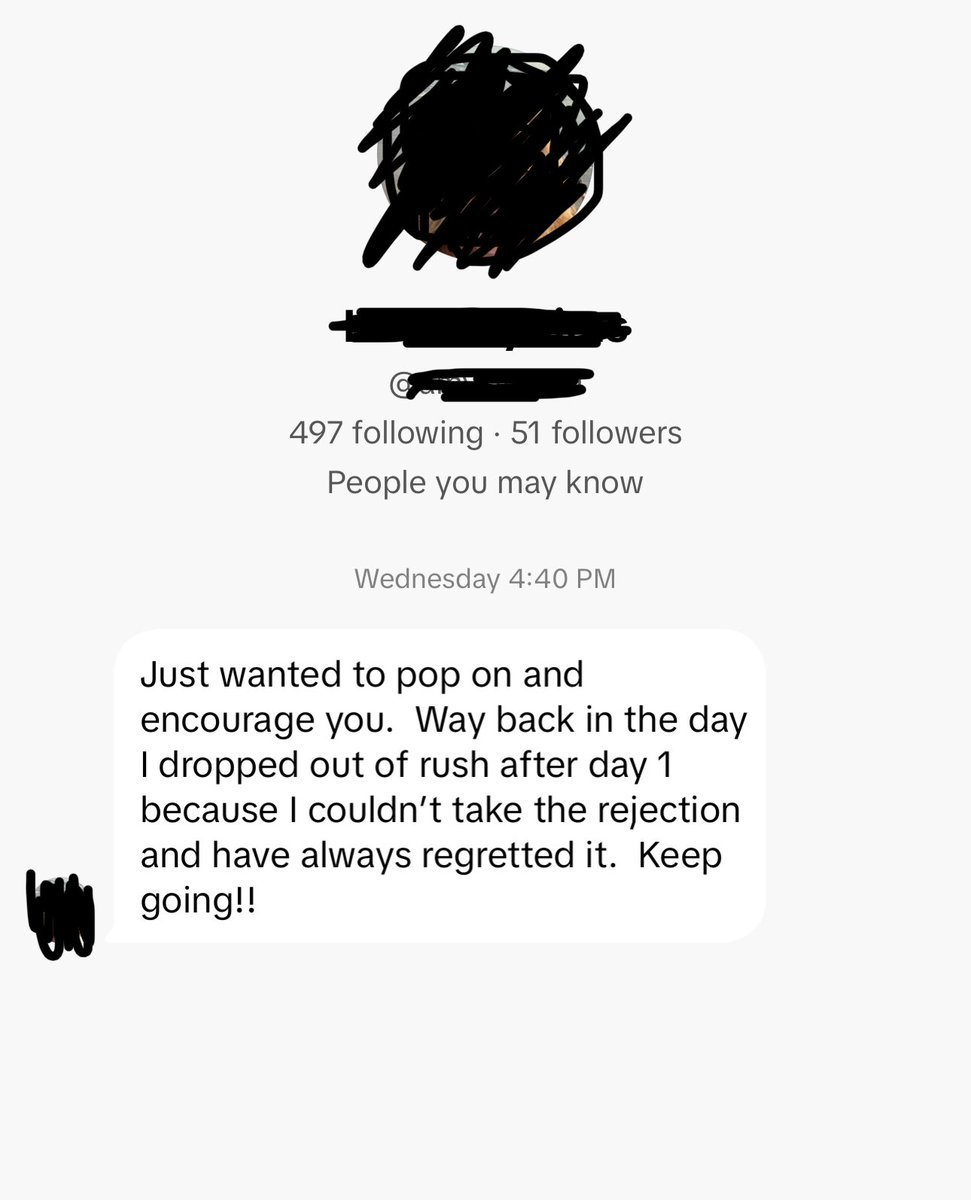
I got brand deal offers, and incredibly sincere and kind DMs when I posted a “crying video”

…and even the people who figured out I was AI were still along for the ride to follow the storyline! https://t.co/5nKjIf8HZV
tweet mediatweet media
My most viral video (100k views) also looked the “most AI” - at least in my opinion. 

Which leads me to my biggest takeaway…if it’s entertaining enough, does it matter if it’s real? 🤔 https://t.co/XkraYSXsBH
And shoutout to my team for listening to me yap about this for the last week 😂 especially @illscience @joeschmidtiv @astrange @venturetwins

Download twitter video from this saved page

TwitterXVideo preserves this conversation so you can download twitter video clips even if the original post disappears, keeping captions, hashtags, and timestamps intact.

Review every reply, attachment, and mention while you download video Twitter HD, GIFs, or audio, making it easy to rebuild the context for reporting and evergreen content.

After you download twitter video assets, translate the copy, refresh hashtags, and queue reposts or ad variants without leaving the saved tweet workspace.

How to download twitter video from this saved page

  1. Click the media thumbnail or download button to download twitter video in HD MP4 or compressed formats for quick sharing.
  2. Select any additional attachments to download video from Twitter GIFs or audio, then store the files alongside your download twitter video projects.
  3. Open the Translate panel to localize the text, update CTAs, and schedule reposts once your download twitter video review is complete.

Why marketers trust this download twitter video archive

  • Archive-friendly metadata keeps download twitter video audits aligned with compliance and rights management teams.
  • Integrated translator localizes captions around each download twitter video asset so global teams stay in sync.
  • One-click sharing pushes download twitter video recaps to teammates, clients, or DAM folders.
  • SEO-optimized slugs help download twitter video case studies rank for branded and campaign keywords.

Download twitter video FAQs

How do I download twitter videos from this saved page?

Press the download button above the media gallery to download twitter video immediately; the system bundles caption data and the original link for reference.

Can I download video from X Twitter in different resolutions?

Yes—choose from multiple bitrates when you download twitter video, including HD MP4 and lighter mobile options.

Does this page let me download twitter videos from private accounts?

You need viewing permission first; once you can see the content, the archive lets you download twitter video securely for approved use.

How can I download twitter video subtitles with the clip?

Use the Translate panel to export captions or create subtitles, then download twitter video together with the transcript for repurposing.

Teilen
Erkunden

TwitterXVideo

v1.2.2

Use our fastest way to download twitter video in HD free—no registration required.

facebooktwitterpinteresttumblrwhatsapp

© 2024 TwitterXVideo Alle Rechte vorbehalten.