🚨 BREAKING: Microsoft just dropped an 18-episode series called "Generative AI for Beginners".

Ideal for beginners, developers, and AI enthusiasts looking to build a solid foundation.

Here’s a breakdown (Save this👇):🧵 https://t.co/pdzf8ZeIcv
Episode 1: Introduction to Generative AI and LLMs

Carlotta Castelluccio discusses Generative AI and large language models, explaining their mechanisms and their transformative impact on various industries, particularly education.

https://t.co/4KqnAKtTkP https://t.co/g3Nj9vGGHq

Episode 2: Exploring and Comparing Different LLMs

Carlotta Castelluccio and Pablo Lopes talk about different big language models, how they are used in different industries, and how businesses can take advantage of them.

https://t.co/CL8waJhVTP https://t.co/ZDUTjtH0Ak

Episode 3: Using Generative AI Responsibly

Talks about why it's important to use AI responsibly in apps that create content.

It explains how to make sure AI outputs are fair and don't cause harm and gives steps to use AI responsibly.

https://t.co/rUze0xYyOX https://t.co/e0kenLe1E0

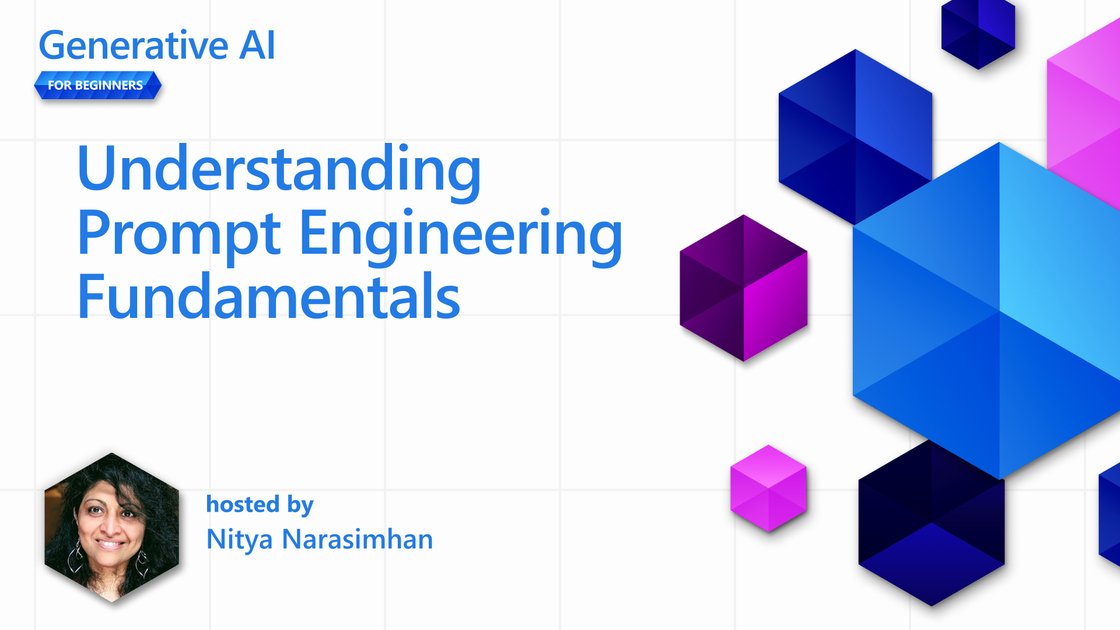
Episode 4: Understanding Prompt Engineering Fundamentals

Nitya Narasimhan explains the basics of prompt engineering, showing how to create good prompts and improve them to get better results from generative AI.

https://t.co/OgbixhGqQI https://t.co/VmVNgs77wc
Episode 5: Creating Advanced Prompts

Chris Noring explores advanced techniques for creating prompts to make AI responses better. He shows how these methods work with real-life examples.

https://t.co/TDwWILtJcZ https://t.co/YXJP163KDQ

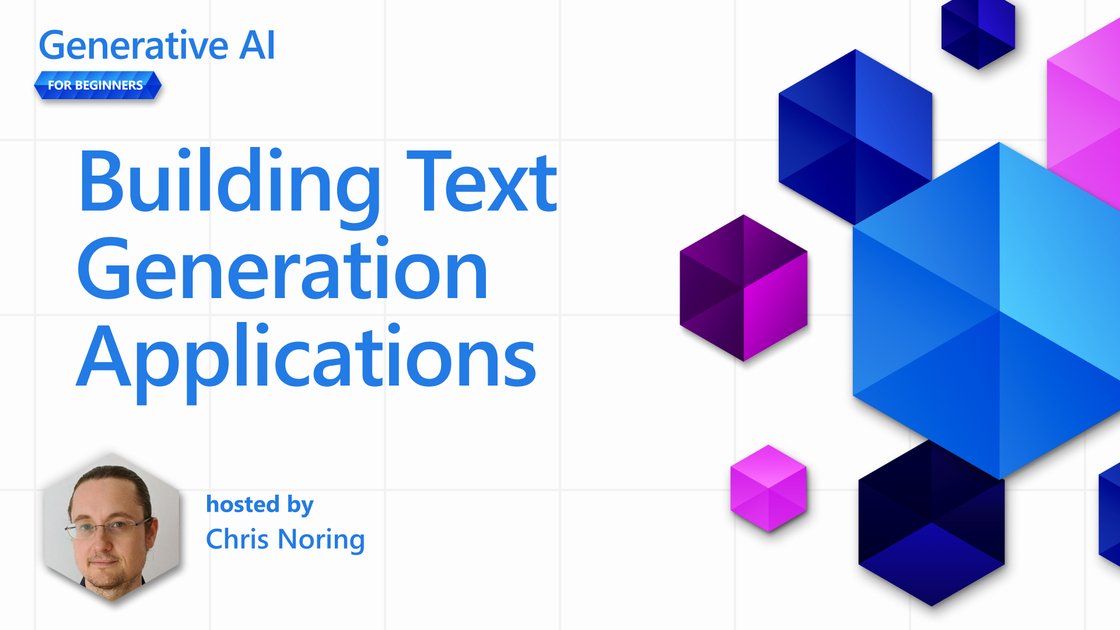
Episode 6: Building Text Generation Applications

–Explains the main ideas of creating text with OpenAI and teaches you how to make a text-generation app step by step, changing settings like prompt, temperature, and tokens to get the result you want.

https://t.co/qOrPBDnBjH https://t.co/zRt4d4DM2B
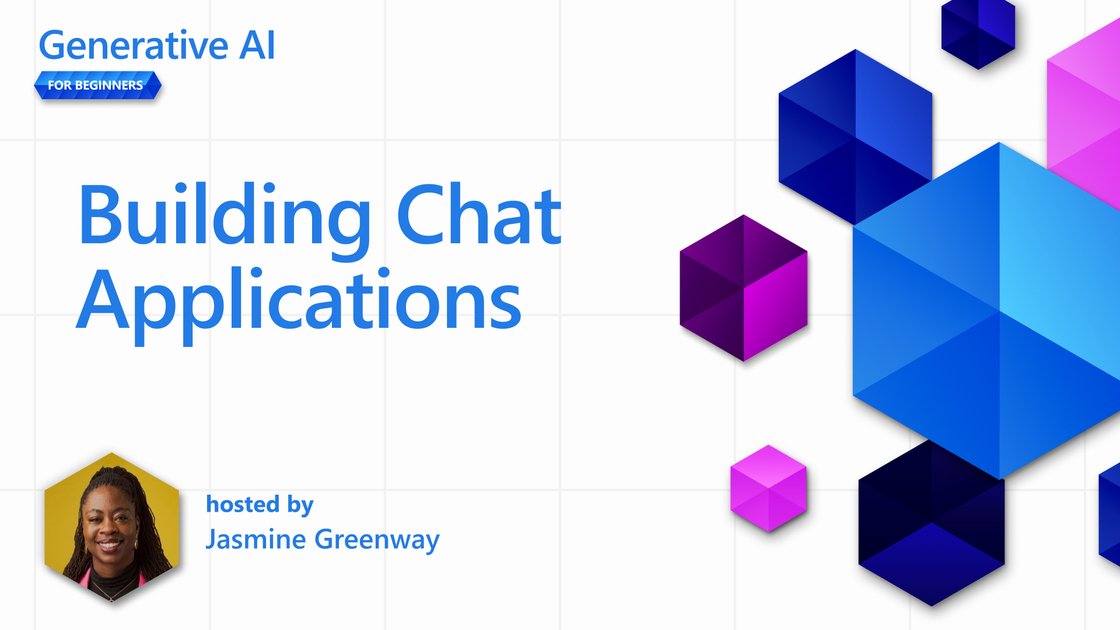
Episode 7: Building Chat Applications

– Jasmine Greenaway shows how to build and add smart chat apps into systems we already use. She covers how to customize them, make them work better, and keep an eye on how they perform.

https://t.co/ZPqMmErwyV https://t.co/01OWe7i05a
Episode 8: Building Search Apps (Vector Databases)

– Dave Glover talks about making smart search apps using vector embeddings. In this episode, he shows how to build a search app for an education startup's video library. The app helps find the right video parts by using and searching through text embeddings.

https://learn.microsoft.com/en-us/shows/generative-ai-for-beginners/building-search-apps-vector-databases-generative-ai-for-beginners
Episode 9: Building Image Generation Applications

–Chris Noring and Pablo Lopes show how to create pictures from text descriptions using models like DALL-E and MidJourney, and guide you through making an image-generation app step by step.

https://t.co/V9dOFdlpBb https://t.co/a17jy27vbs

Episode 10: Building Low-Code AI Applications

– Someleze Diko explains how to use low-code tools like Microsoft Power Platform with AI. This episode talks about using AI features such as Copilot and AI Builder to make apps and workflows with AI, without needing a lot of coding skills.

https://learn.microsoft.com/en-us/shows/generative-ai-for-beginners/building-low-code-ai-applications-generative-ai-for-beginners
Episode 11: Integrating External Applications with Function Calling

– Korey Stegared-Pace talks about using function calling with large language models (LLMs). He explains what function calling is, shows how to set up an OpenAI function call, and how to use it in an app to make AI do more things.

https://learn.microsoft.com/en-us/shows/generative-ai-for-beginners/integrating-external-applications-with-function-calling-generative-ai-for-beginners
Episode 12: Designing UX for AI Applications

– Bethany Jepchumba talks about how to create user-friendly designs for apps that use AI. She highlights the need to build trust and be clear with users to make sure AI is used responsibly. The focus is on knowing what users need and designing AI tools that allow for teamwork and feedback.

https://learn.microsoft.com/en-us/shows/generative-ai-for-beginners/designing-ux-for-ai-applications-generative-ai-for-beginners
Episode 13: Securing Your Generative AI Applications

– Explains the security issues for AI systems. Korey Stegared-Pace talks about common risks and dangers to AI programs and shares ways and tips to keep AI systems safe from these dangers.

https://t.co/EFTr9rKiaW https://t.co/rTVD1dcAqr
Episode 14: The Generative AI Application Lifecycle

– Pablo Lopes dives into the dynamic world of the generative AI lifecycle—where innovation never rests. Discover the shift from traditional machine learning to cutting-edge large language model operations. This session unveils the essential tools, metrics, and strategies to elevate and sustain AI applications.

https://learn.microsoft.com/en-us/shows/generative-ai-for-beginners/the-generative-ai-application-lifecycle-generative-ai-for-beginners
Episode 15: Retrieval Augmented Generation (RAG) and Vector Databases

– Bethany Jepchumba explores how to connect large language models (LLMs) with your own data using Retrieval Augmented Generation (RAG). The lesson covers what RAG is, why it's helpful, how to make and use a vector database for storing information, and how to add RAG to an app.

https://learn.microsoft.com/en-us/shows/generative-ai-for-beginners/retrieval-augmented-generation-rag-and-vector-databases-generative-ai-for-beginners

Episode 16: Open Source Models and Hugging Face

– Explores the world of open-source large language models. Korey Stegared-Pace talks about why open-source LLMs can be better than private ones and shows how to find and use open models, like on Hugging Face or Azure AI Studio. Also includes tips on how to fine-tune these open models.

https://learn.microsoft.com/en-us/shows/generative-ai-for-beginners/open-source-models-and-hugging-face-generative-ai-for-beginners
Episode 17: AI Agents – This section introduces AI Agents, systems where large language models (LLMs) perform tasks using tools or frameworks.

Korey Stegared-Pace explains what AI agents are, examines four distinct agent frameworks, highlights what makes each one unique, and discusses the optimal scenarios for using these agent-based methods in developing AI applications.

https://learn.microsoft.com/en-us/shows/generative-ai-for-beginners/ai-agents-generative-ai-for-beginners

Episode 18: Fine-Tuning LLMs

– Nitya Narasimhan talks about how to make pre-trained language models work better for certain tasks. In this last part, she explains what fine-tuning is, when it's helpful, and how to fine-tune a large language model, while also mentioning the limits of fine-tuning.

https://learn.microsoft.com/en-us/shows/generative-ai-for-beginners/finetuning-llms-generative-ai-for-beginners
I hope you've found this thread helpful.

Follow me @heygurisingh for more.

Like/Repost the quote below if you can: